Architecture in 2026 looks fundamentally different from architecture in 2022. AI in architecture is no longer a novelty plugin sitting on the edge of the design workflow. It now touches every phase: site analysis, schematic design, BIM authoring, compliance review, rendering, and documentation. The firms pulling ahead are the ones that have stopped treating AI as a single product and started treating it as a stack.
The challenge is that the architectural AI tools landscape has exploded. This guide takes a different approach: ten tools that genuinely move the needle on production workflows, ordered by where they sit in the design-to-permit lifecycle. If you are trying to figure out the best AI for architecture workflows in your firm, this is where to start.
10. Gamma
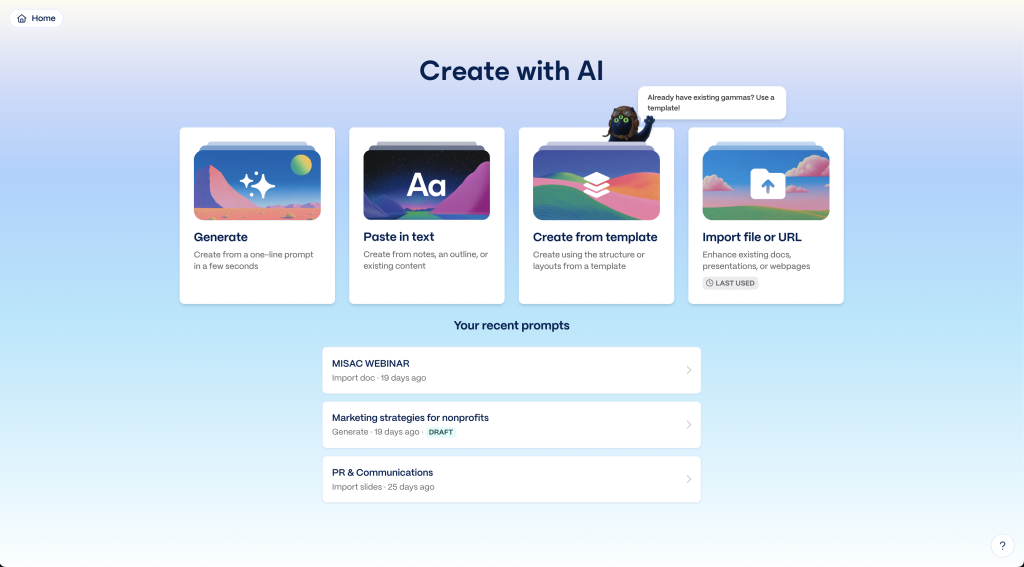
Architecture is a presentation business. Gamma is an AI-powered presentation tool that produces client decks, design narratives, and project pitches that actually look good without a graphic designer in the loop. It is not architecture-specific, but it has been adopted across AE firms because it solves a real problem: the gap between great design work and the deck that sells it.
9. Nano Banana
Nano Banana, Google’s image generation model built into Gemini, has quickly become a go-to for architects working through early-stage visualization. Given a strong architectural or interior prompt, it produces high-quality concept imagery mood boards, material studies, spatial mood references in seconds. It is also increasingly used in AI interior design workflows, where designers need fast visual exploration before committing to a 3D model. It pairs well with downstream tools like Veras for in-context rendering or Snaptrude for BIM development.
8. TestFit
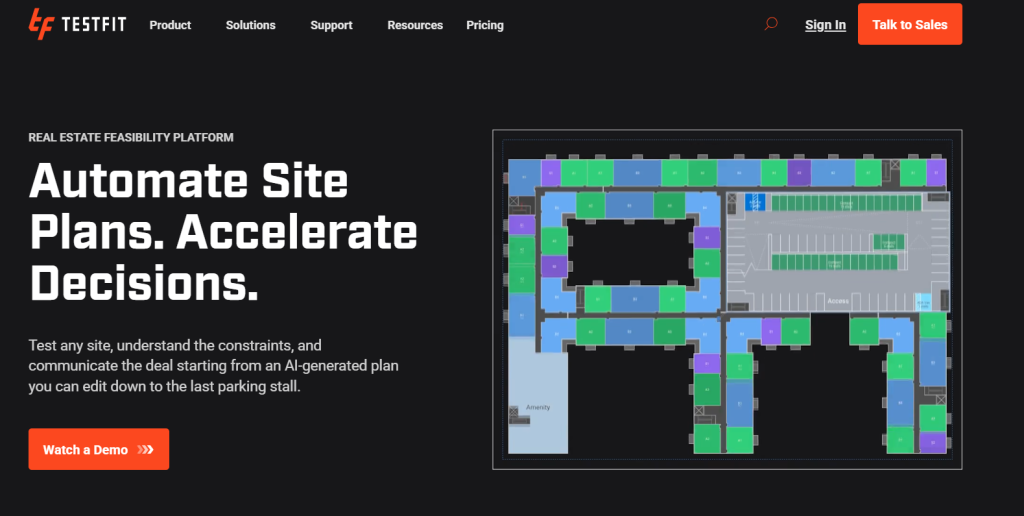
TestFit is a real estate feasibility tool that instantly generates building configurations, parking layouts, and pro-formas for a given site. It has become a default tool for developers and the architects who serve them, because it answers the “does this site pencil” question in minutes rather than weeks. For multifamily, industrial, and mixed-use feasibility, it is hard to beat.
7. Hypar
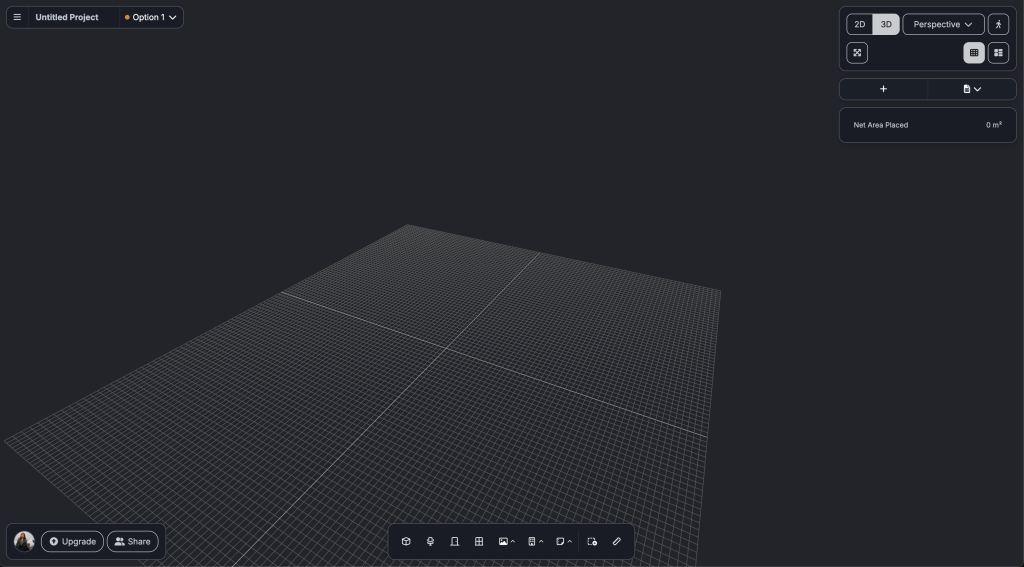
Hypar is a generative design platform that automates building geometries and systems. Define site constraints, program requirements, and design rules, and it produces thousands of viable iterations in minutes. It is most useful in early-stage feasibility and massing, where the question is not “is this design good” but “what are all the designs worth considering.”
6. Claude for Excel
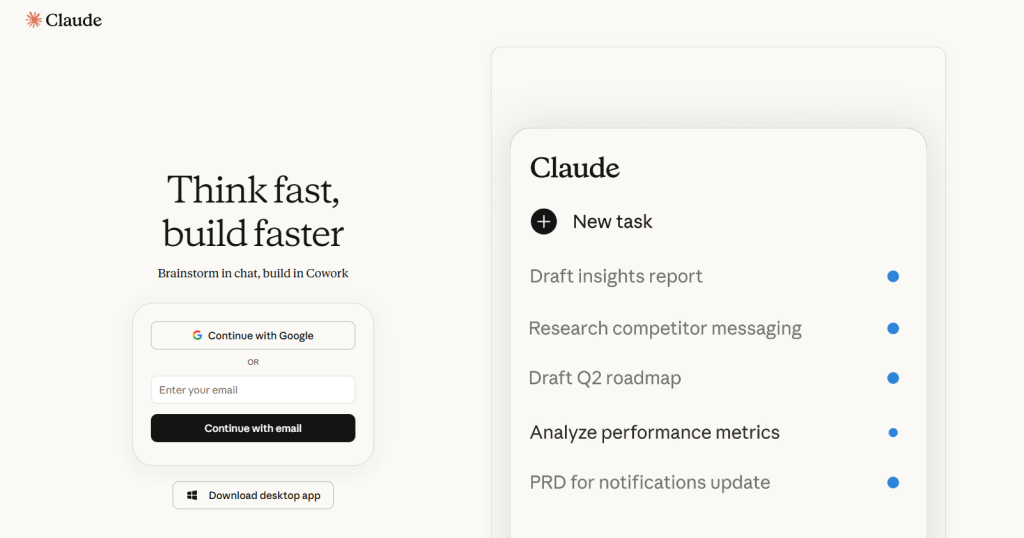
BOQs, cost estimation sheets, and quantity takeoffs are some of the least loved spreadsheets in any architecture firm and some of the most error-prone. Claude for Excel works directly inside the spreadsheet to clean up formulas, catch errors, reconcile line items, and rework BOQs without the usual back-and-forth between the architect and the QS team. For firms that handle their own cost documentation or need to sanity-check what comes back from consultants, it removes a lot of the manual grind.
5. WiseBIM
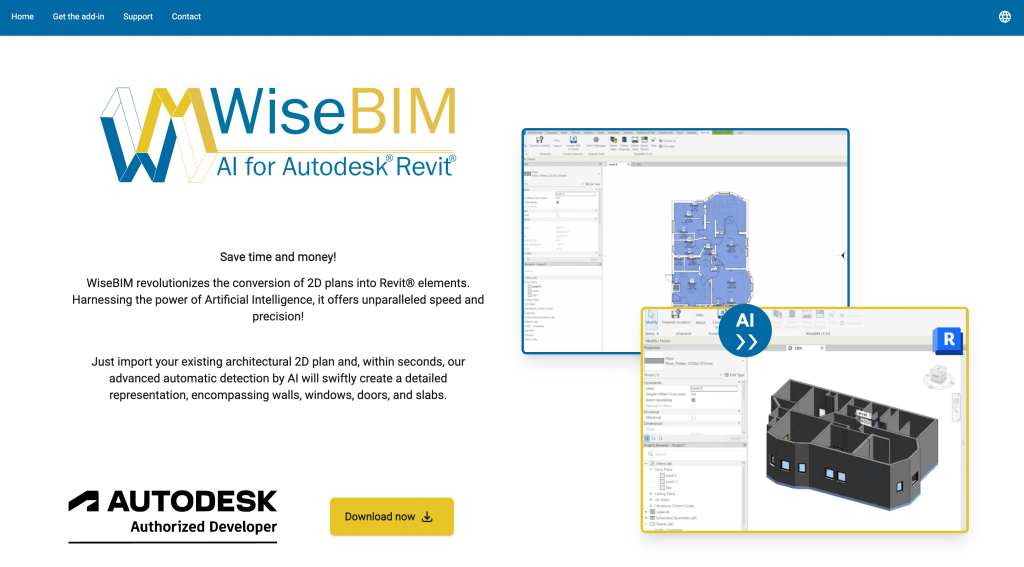
WiseBIM solves a specific but painful problem: legacy drawing conversion. It functions as an AI blueprint generator in reverse — upload a 2D PDF or DWG, and it returns clean Revit-ready BIM elements. For firms doing renovation work, adaptive reuse, or any project where the existing drawings live in paper or flat CAD, it eliminates days of manual remodeling.
4. Swapp
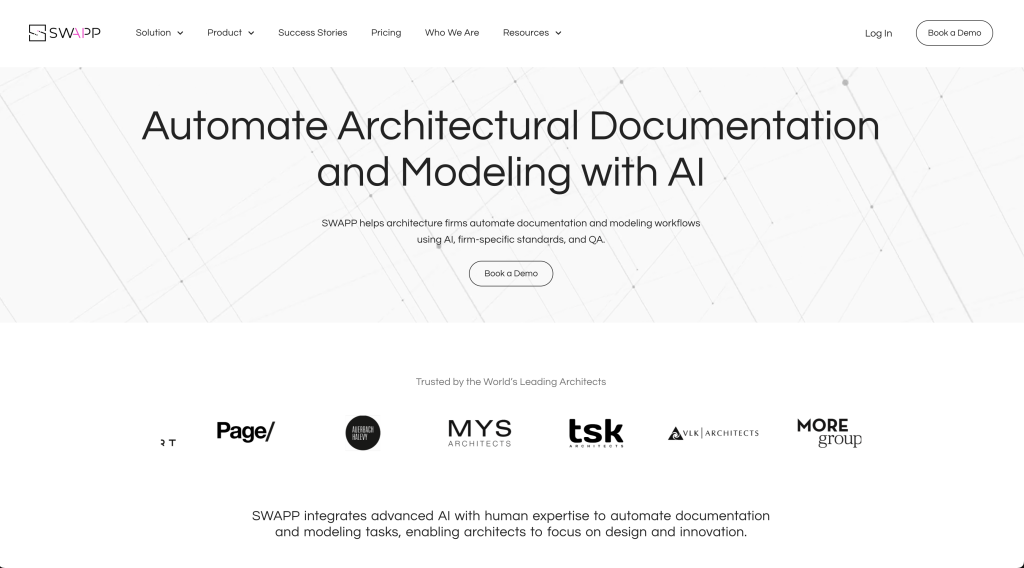
Swapp handles the work architects least want to do: tagging, annotation, sheet organization, and construction documentation. It runs in the background on Revit projects and automates the documentation grind so design teams can stay on design. For firms that bleed hours on CD production, the ROI is immediate.
3. Snaptrude
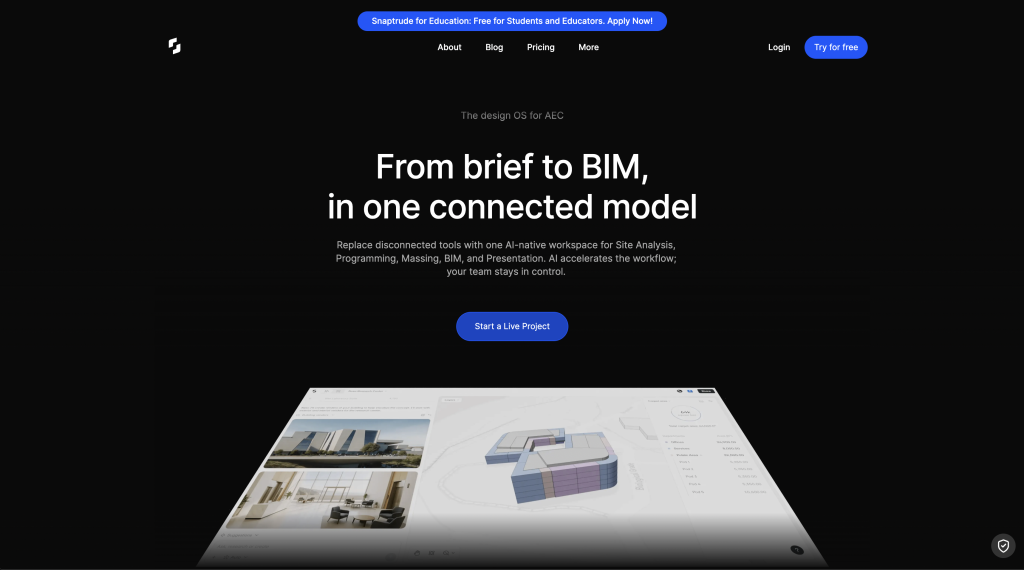
Snaptrude is a cloud-native, AI-powered BIM platform that has emerged as one of the fastest-growing tools in the category. It generates editable BIM geometry from a program brief, supports real-time multi-user collaboration in the browser, and exports cleanly to Revit. According to AEC Magazine, customers report 60 to 70 percent reductions in concept design time. For firms running distributed teams or doing heavy schematic-phase AI architecture design iteration, it removes friction that legacy desktop BIM tools cannot.
2. Veras
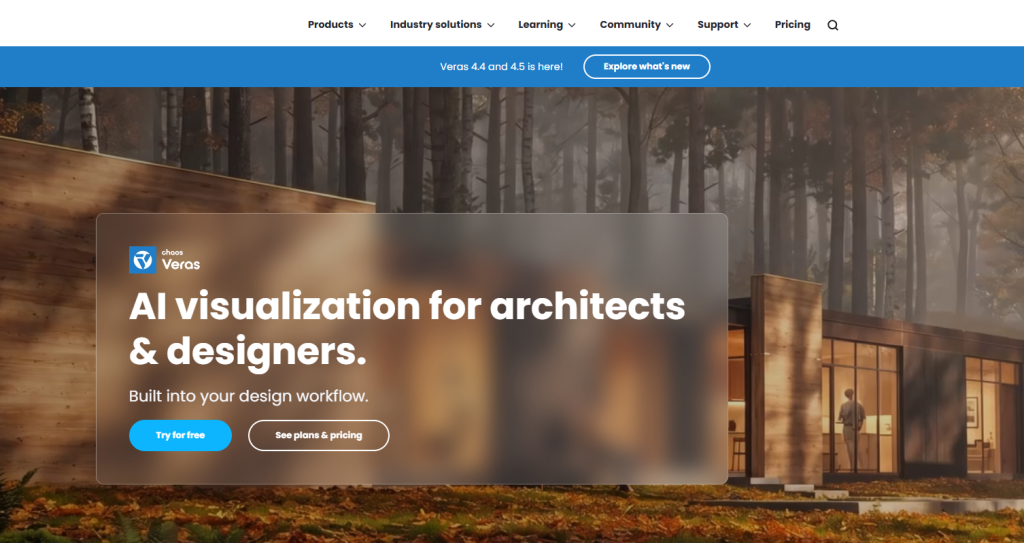
Veras is a generative rendering plugin that lives inside Revit, SketchUp, Rhino, Vectorworks, and ArchiCAD. It turns rough massing models and sketches into polished, context-aware renders using text prompts, without exporting to a separate renderer. It has quietly become a default in AE firms for client presentations because it shortcuts the path from concept to convincing visual.
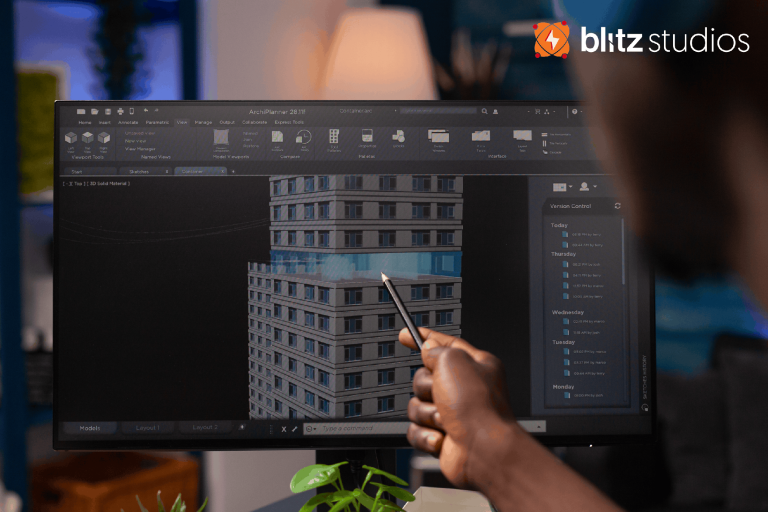
1. Blitz Studios — AI Compliance Review for Architecture Firms

The single biggest source of rework in any architecture firm is code compliance. Plans go out, plans come back with reviewer comments, plans get revised, plans go out again. BlitzStudios attacks that loop directly. It is an AI architecture software platform built for architecture firms to pre-check permit sets against IBC, IRC, ADA, and local amendments before submission, so issues are caught at the firm not at the building department.
What makes Blitz Studios different from generic architecture tools is that it is built by architects and engineers, trained on real code language, and designed to integrate into the architect’s workflow rather than bolt onto it. As a purpose-built AI Permit Readiness Software, it handles construction drawing review and AI construction document review in the same pass, flagging code issues, missing details, and quality gaps before the set leaves the firm.
How to Think About the Stack
No firm uses all ten of these tools. The right question is not which tool is best, but where in the design lifecycle your firm is bleeding hours. According to a 2025 AIA survey, the three largest sources of non-billable hours in architecture practice are compliance rework, construction documentation, and presentation production. The tools that pay back fastest are the ones that target those three workflows directly.
If your firm is losing time on permit resubmittals and code compliance, that is where the first AI investment should go. The plan architect review phase, in particular, is where compliance issues compound and where AI catches what tired eyes miss.
The Bottom Line
The AI architecture tools landscape in 2026 is no longer about whether to adopt, but how to sequence adoption. Start with the workflow that costs your firm the most time, layer in tools that integrate with your existing stack, and treat AI as infrastructure rather than experimentation. The firms doing this well are not chasing every new tool. They are picking the two or three that solve their highest-cost workflows and getting fluent in them.